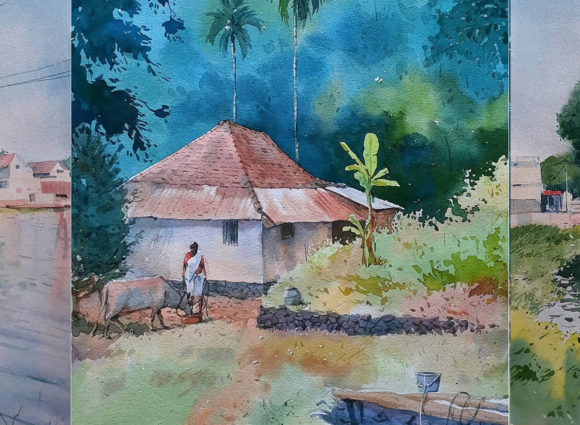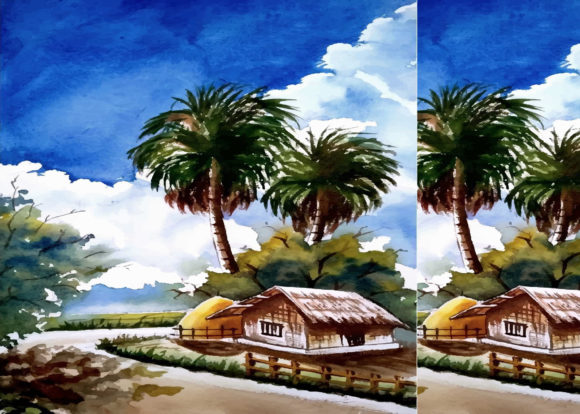
Watercolor Village Hand Drawn Vector: A Practical Guide to Choosing and Using These Artistic Assets
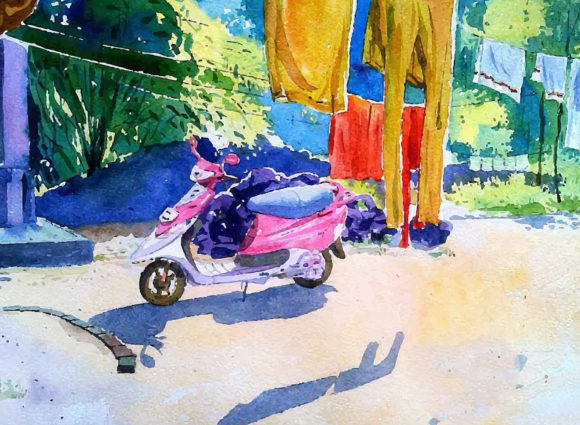
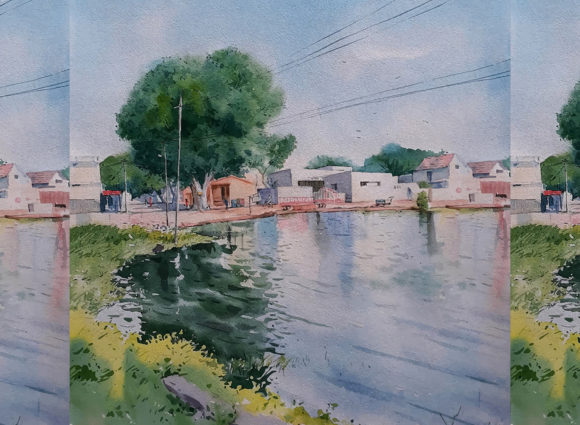
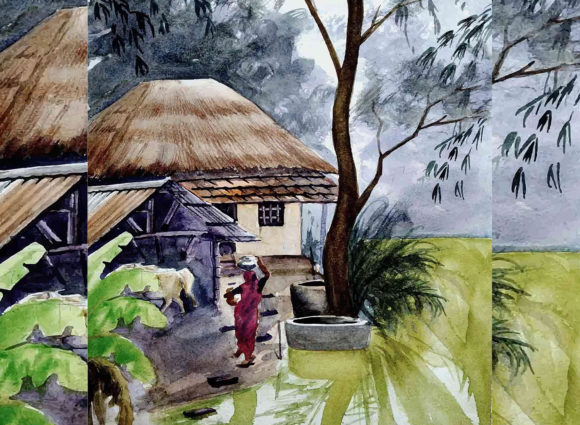
If you have browsed design marketplaces recently, you have likely encountered Watercolor Village Hand Drawn Vector sets. These collections combine the charm of traditional watercolor painting with the flexibility of editable vector files, offering scenes of cottages, cobblestone streets, trees, fences, and rural landscapes. They appeal to anyone who wants a handcrafted look without scanning physical artwork or painting from scratch. But as with any hybrid asset, there are nuances that separate a smooth workflow from a frustrating one. Let us walk through what you should know before you buy, download, or use these vectors, so you avoid common pitfalls and get the most out of every file.
Understanding What You Are Actually Getting
A Watercolor Village Hand Drawn Vector set typically includes SVG, AI, EPS, or similar vector formats layered over scanned watercolor textures. Because the watercolor effect is applied as a fill or a pattern, the result looks organic but remains resolution-independent. That means you can scale a tiny mailbox to a billboard-sized print without pixelation, which is a major advantage over flat raster images.
Yet not every file in these sets is truly vector. Some sellers combine vector outlines with embedded raster textures. If you enlarge the file enough, you may see grain or soft edges degrade. Always check the product description for terms like fully scalable, no raster elements, or pure vector. If the listing is vague, ask the seller before purchasing. A five-dollar difference in price is not worth discovering mid-project that your village scene blurs at 300 percent zoom.
Choosing the Right Format for Your Workflow
One of the most frequent mistakes people make is downloading a format they cannot easily edit. A Watercolor Village Hand Drawn Vector might come in AI (Adobe Illustrator) as the primary file, with SVG and EPS as alternatives. If you work in Affinity Designer, Inkscape, or CorelDRAW, confirm that the set includes SVG or EPS with proper layer structure. Some sellers export SVG files that flatten all elements into a single group, making it nearly impossible to separate the red roof from the chimney without painstaking ungrouping.
Read the listing for keywords like editable layers, grouped by color, or individual elements. A well-organized set lets you recolor a cottage roof, resize a tree, or remove a fence post without breaking the rest of the composition. If a set offers both AI and SVG and you are not an Illustrator user, open the SVG first in your vector editor to see if the layers survive. This small check saves you from hours of frustration later.
Beware of Overly Dense Compositions
Watercolor village vectors look charming on their own, but there is a temptation to use every element in one design. I have seen blog headers, brochures, and social media graphics where three cottages, five trees, a bridge, a stream, and a flock of birds compete for attention. The result is visual clutter that dilutes the hand-drawn appeal. Instead, treat each element as you would a physical watercolor painting: leave room to breathe.
Select two or three focal pieces, such as a cottage and a large tree, and use negative space around them. You can always build a second version of the scene for a different page or post. When you spread elements across multiple projects rather than cramming them into one, each design feels intentional and polished. Your audience will appreciate the clarity, and you will find the vectors last longer as a creative resource.
Licensing: The Detail Most People Skip
It is easy to assume that a purchased Watercolor Village Hand Drawn Vector set is free for any use, but licensing varies widely. Some sets allow unlimited commercial use, including merchandise and digital products. Others restrict use to personal projects or cap the number of printed copies. A few require attribution in the form of a credit line, which can be awkward on packaging or in a logo.
Before you download, open the license file included in the ZIP folder. Look for terms about on-demand printing, redistribution, and trademark use. If you plan to use the vectors in a logo or brand identity, confirm that the license allows derivative works for commercial branding. Even if you are a blogger using them in a header, attributing the artist adds a layer of transparency that readers appreciate. When in doubt, contact the seller directly. A quick message can prevent a legal headache or a forced redesign six months from now.
Color Palette Consistency Across Projects
Watercolor village vectors come in a specific palette, often warm earthy tones, muted greens, soft blues, and gentle grays. That is part of their appeal. But if you mix them with design elements from other sources, the mismatch in saturation and hue becomes obvious. A neon button next to a hand-drawn cottage with earthy washes looks jarring, not eclectic.
To avoid this, limit your supplementary colors to those already present in the vector set. Use a color picker tool to sample the lightest and darkest shades from the village elements, then choose your text, background, and accent colors from that range. This keeps the organic feel intact. If you need a bolder accent, pick a tone that appears in the watercolor washes, such as a dusty rose or a muted mustard, rather than a pure primary red or electric blue. Your designs will look cohesive without losing the hand-drawn warmth.
Resolution and Print Considerations
Because these are vectors, resolution is theoretically infinite. But once you export to a raster format like JPEG or PNG for web use, you set a fixed resolution. I have seen designers export a lush village scene at 72 DPI for a printed flyer, only to find the edges look soft and the watercolor grain disappears. For print, export at 300 DPI or higher. For web, 150 DPI is usually sufficient, but test a small section at 100 percent zoom to ensure the washes retain their texture.
If your vector editor supports it, export with a transparent background so you can layer the village over other elements cleanly. Many Watercolor Village Hand Drawn Vector sets include transparent PNG previews, but the real vector file gives you full control over export settings. Always work from the vector source, not a pre-exported raster, for the best print quality.
Editing with Care: Preserve the Hand-Drawn Feel
When you start customizing, it is tempting to smooth out every irregular edge or recolor elements with flat digital swatches. That defeats the purpose of using a hand-drawn watercolor set. The beauty of these vectors lies in their organic imperfections, the slight wobble in a roofline, the uneven wash on a tree canopy, the subtle bleeding at the edges. If you need a crisp, uniform style, you would be better served by flat vector icons.
If you must adjust colors, use the hue and saturation tools on groups rather than replacing fills entirely. That way you retain the watercolor texture. For scaling, constrain proportions to avoid stretching the washes into unnatural shapes. Small houses with stretched roofs lose the village charm. Think of each element as a piece of handmade art, not a building block to be distorted at will. The respect you show the original artwork will shine through in your final design.
Storing and Organizing Your Collection
As you accumulate multiple sets, you will find that a Watercolor Village Hand Drawn Vector collection can become unwieldy. Files are often named generically, like house1.ai or tree3.eps. If you do not rename and categorize them, you will waste time hunting for that specific cottage with the blue shutters.
Create a folder system by theme, such as Buildings, Nature, People, and Accessories. Within each folder, rename files descriptively, for example cottage_blue_shutters_side_view.svg. Include a text file with the artist name and license terms, so you never have to dig through old ZIP folders to verify usage rights. This may feel like extra work, but when you are on a deadline, a well-organized library pays for itself in saved time and reduced stress.
Combining Multiple Sets Harmoniously
If you own two different Watercolor Village Hand Drawn Vector sets, perhaps one with a loose, wet-on-wet style and another with a drier, more textured look, mixing them can create visual inconsistency. The village might look like a collage of two different paintings rather than a cohesive scene.
To blend them successfully, apply a subtle overlay texture to the entire composition, a light paper grain or a gentle noise filter, to unify the surface quality. Alternatively, use one set for the main foreground elements and the other for background details like distant hills or sky washes, where stylistic differences are less noticeable. If the color palettes do not match, desaturate one set slightly or apply a warming filter across the whole project. Your goal is coherence, not uniformity, but the viewer should not be able to pinpoint where one artist's work ends and another begins.
Knowing When to Choose a Different Style Altogether
Not every project benefits from a watercolor village aesthetic. If you are designing for a modern tech brand, a minimalist architecture firm, or a corporate annual report, the hand-drawn rustic charm may feel out of place. That is not a flaw in the vectors. It is a mismatch in tone. Many people fall in love with the artwork and force it into contexts where it fights against the brand identity.
Before you commit, ask yourself: does this design need warmth, nostalgia, and a handmade feel? If yes, a Watercolor Village Hand Drawn Vector set is an excellent choice. If the project calls for precision, clean lines, or a contemporary look, consider geometric vector styles or flat illustration instead. Keeping the right tool for the right job makes you a more effective designer and preserves the special quality of these watercolor assets for the projects where they truly shine.
Final Thoughts on Getting the Most from Your Vectors
A well-selected Watercolor Village Hand Drawn Vector set can elevate a simple flyer, website header, or product label into something that feels handcrafted and inviting. The key is to approach it with the same care you would use with traditional media, respecting the textures, the color harmonies, and the organic shapes while leveraging the technical advantages of vectors. By understanding file formats, licensing, composition, and color consistency, you avoid the common frustrations that turn a promising design asset into a source of regret.
Take the time to organize your files, test your export settings, and edit with restraint. Your audience will respond to the authenticity of the hand-drawn look, and you will enjoy a workflow that is both creative and efficient. Whether you are a small business owner crafting a brand identity, a blogger building a visual style, or a freelancer delivering client work, these vectors offer a versatile foundation. Use them wisely, and they will serve you well for many projects to come.